SERVICE02
Mobile App UI/UXPeople Love to Use.
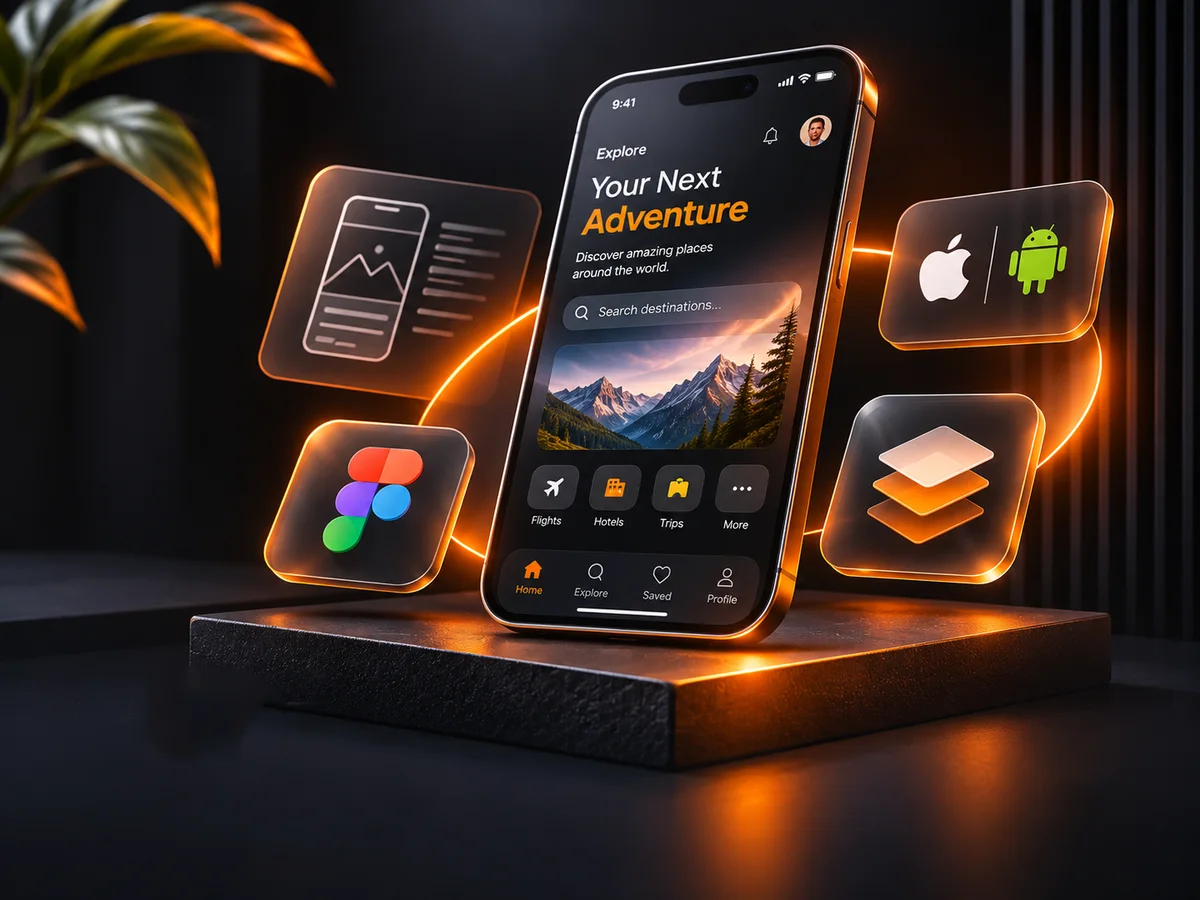
iOS and Android app screens with simple user flows — from onboarding to checkout — designed to feel natural on every device and ready for developers to build.
- iOS & Android
- User Flows
- Onboarding
- Prototypes
01/ WHAT I OFFER
What's Included inMobile App UI/UX.
User Flows
Every path through the app mapped out, so users always know where they are and what's next.
iOS & Android Screens
Screens that follow each platform's patterns while keeping one consistent brand look.
Onboarding
Welcome, sign-up and first-use screens that get people to the good part quickly.
Notifications & States
Empty, loading, error and success states designed, not left for developers to guess.
Interactive Prototypes
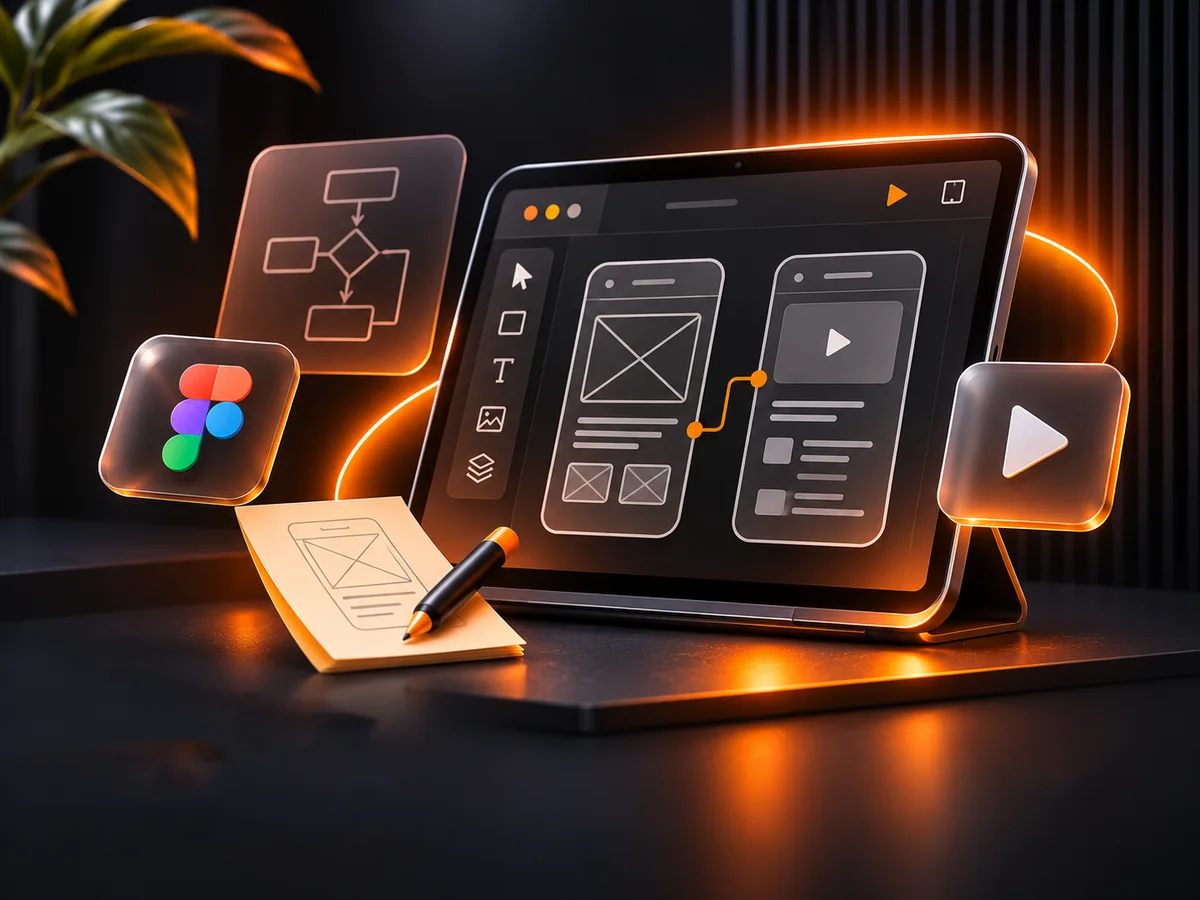
Clickable Figma prototypes to test the app and share it with your team or investors.
Developer-Ready Files
Components, spacing and assets organised for Flutter, React Native or native builds.
02/ TOOLS & DELIVERABLES
Tools I Use &What You Get.
TOOLS I USE
- Figma
- FigJam
- Adobe Illustrator
- Adobe Photoshop
- Material Design
- Apple HIG
WHAT YOU GET
- User flow diagrams
- Wireframes for core screens
- High-fidelity iOS & Android screens
- Clickable prototype
- UI kit & exported assets
03/ HOW IT WORKS
From First Callto Final Files.
- 01
Discover
Your users, app goals and the features that matter most at launch.
- 02
Flows
User flows and wireframes for every key journey in the app.
- 03
Design
Polished screens and states, refined through feedback rounds.
- 04
Prototype
A clickable prototype plus files your developers can build from.
04/ RELATED WORK
Projects BuiltWith This Service.
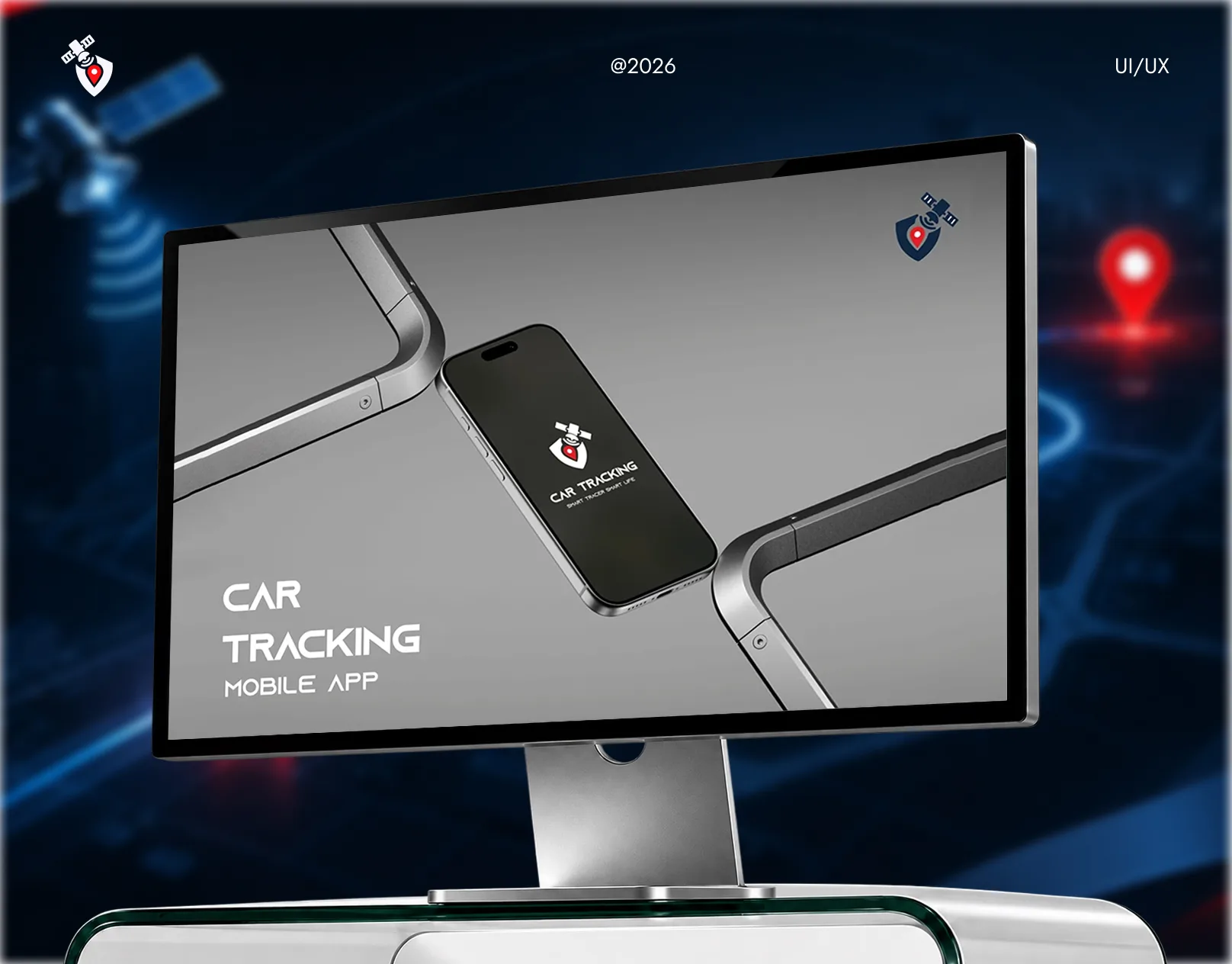
Mobile Application UI/UX
Car Tracking App
Mobile app interface design for keeping track of a vehicle.
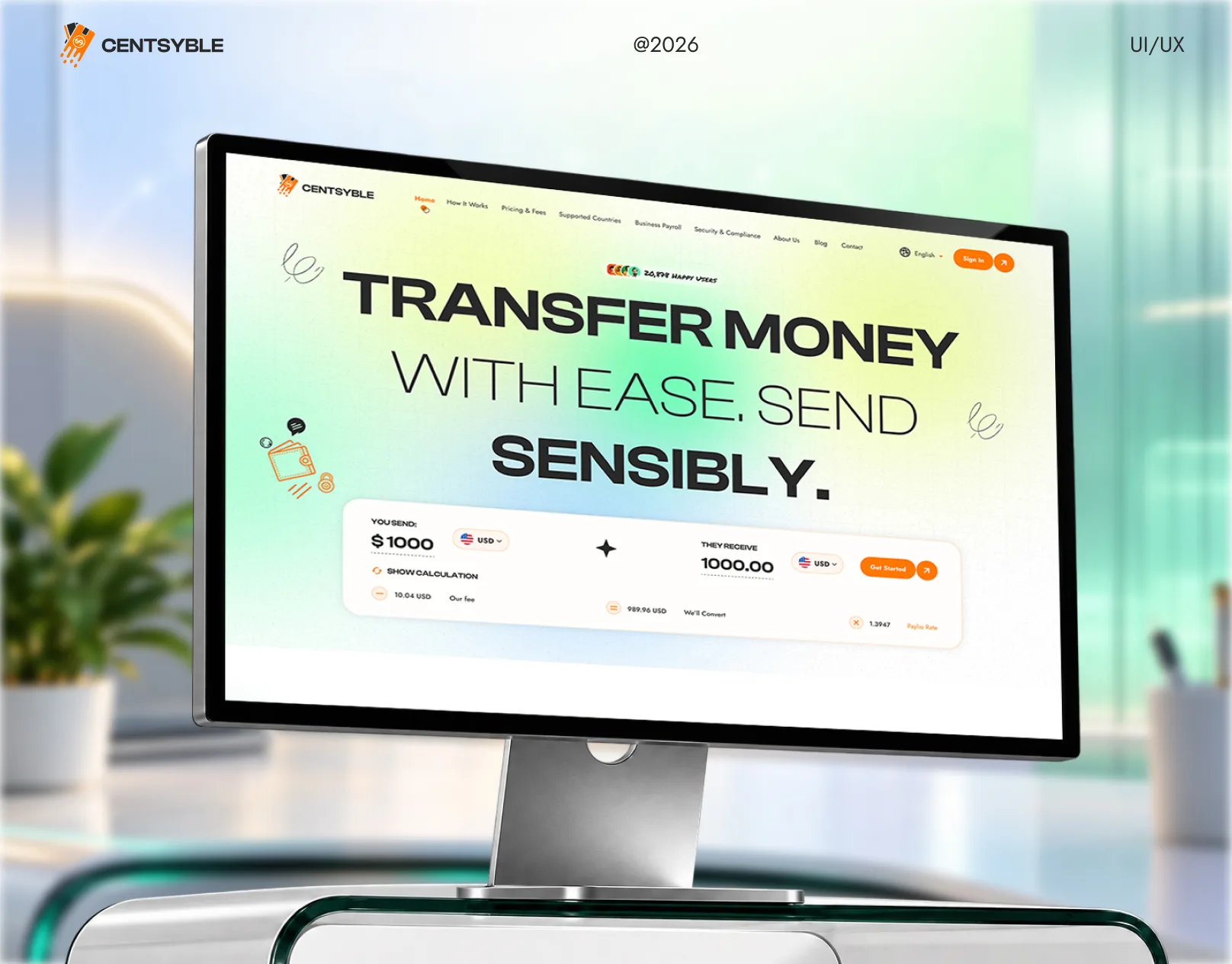
Web & Mobile App UI/UX
Money Transfer Web & App
Web and mobile app interfaces for a money transfer product.

Web & Mobile App UI/UX
A modern logistics Web & App
Web and mobile app interfaces for a logistics product, presented as one connected experience.
05/ FAQ
Questions,Answered.
Can't find your answer? Send me a message below and I'll get back to you within a day.
Do you design for both iOS and Android?
Yes. I design screens that respect each platform's conventions while keeping one consistent look for your brand.
How many screens does a typical app need?
Most first versions need 25–60 screens, including states like empty, loading and error. We'll list them together during discovery.
Can you work with my developers?
Yes. I share organised Figma files, answer questions during the build and review the app before release.
Can I test the design before development?
Yes. A clickable prototype lets you try the app on your phone and share it with users or investors before any code is written.

09/ LET'S CONNECT
Have an Idea?Let's Make It Exceptional.
Whether you're building a new digital product, improving an existing experience, or growing your brand on social media, I'd love to hear about your project.
- Emailrehman75125@gmail.com
- Phone+92 324 4583138
- WhatsApp+92 370 5564090
- LocationLahore, Punjab, Pakistan